Design systems, from repeating code to a reusable and accessible modular system
A design system gives teams a familiar structure and accessible patterns. It makes frontend work easier, because engineers don’t have to think about the styling and UX of every component, and it documents how components work together, not as separate pieces but as one cohesive environment.
This is how it went across three products, from a pattern library to full design systems.
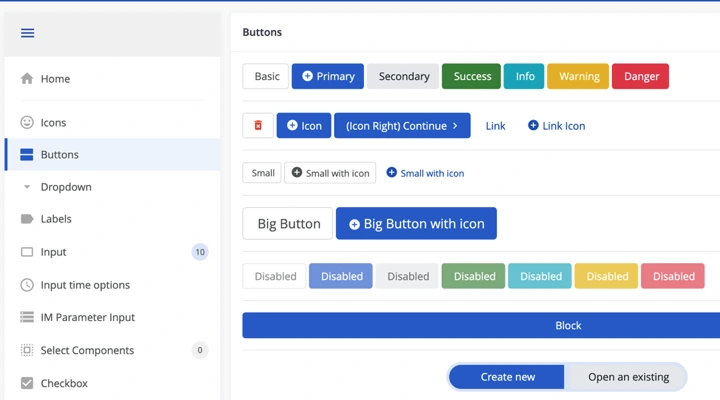
RailNetEurope at Netcetera, 2014 - 2017
I was the UX Architect on RailNetEurope’s Path Coordination System, an internal web app for planning international train routes (the case study on Medium ↗).
2014 - 2015. The project started with wireframes in Balsamiq and was mostly designed directly in code. I started thinking about component-based development even then, but to accommodate speedy delivery, it was not implemented in the project.
2016 - 2017. We added coded prototypes and usability testing, and another designer joined me. We started working with components in code and put the designs together in Figma, first without components and eventually with them. I pushed for the first Angular pattern library and we built internal component documentation similar to Storybook.
InPlayer, 2022 - 2023
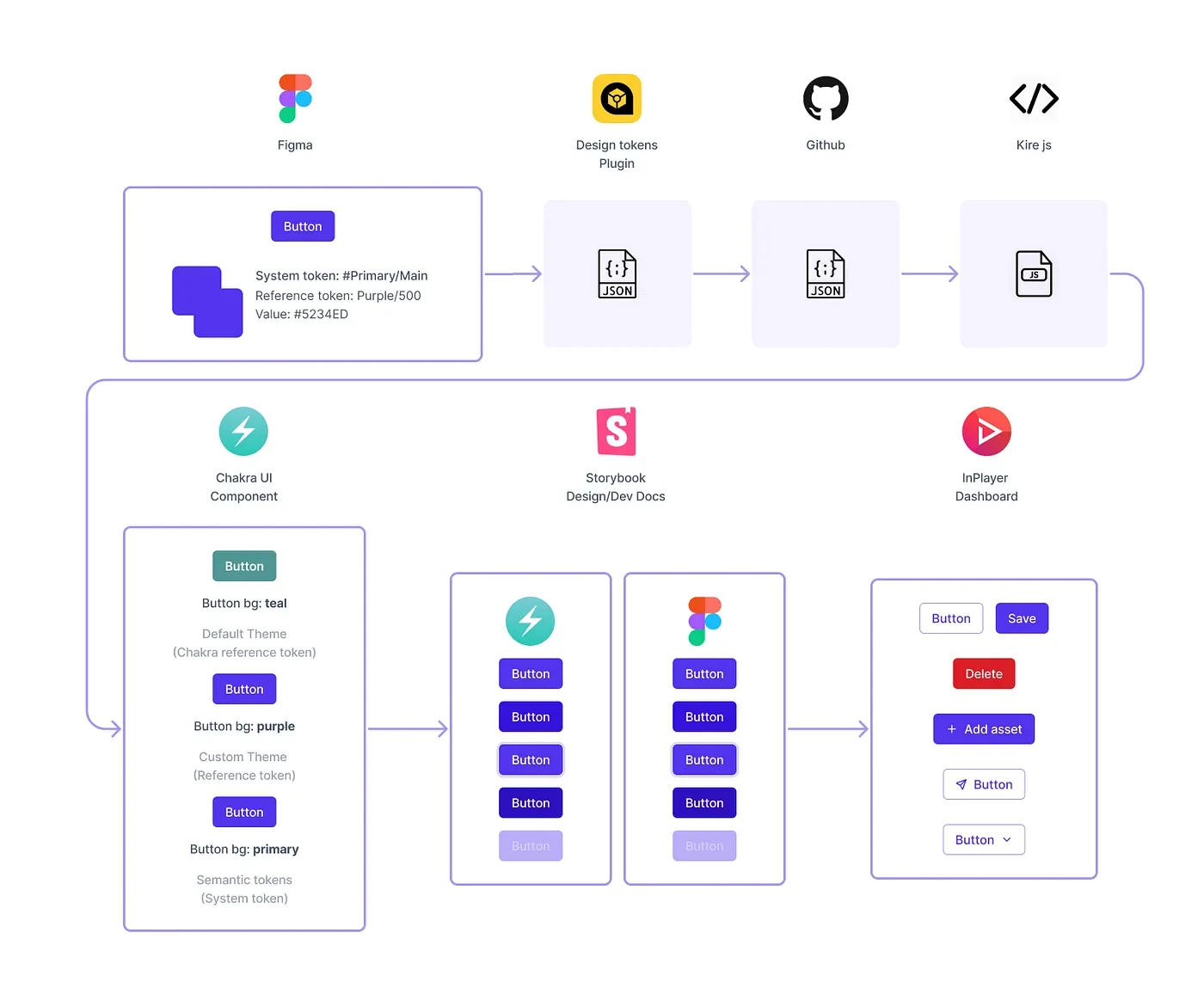
As Director of Design, I led a team of 4 designers building a design system with Chakra UI. At RailNetEurope we had built the components ourselves. At InPlayer we started from an existing component library that was well executed and used tokens.
The system included components, tokens and Storybook documentation. Chakra UI didn’t have a well-composed component library in Figma, so we built the Figma components from scratch. All four product teams working on the new dashboard adopted it. We wrote about it in two articles: foundations ↗ and design tokens ↗.
You can also watch the InPlayer onboarding prototype walkthrough.
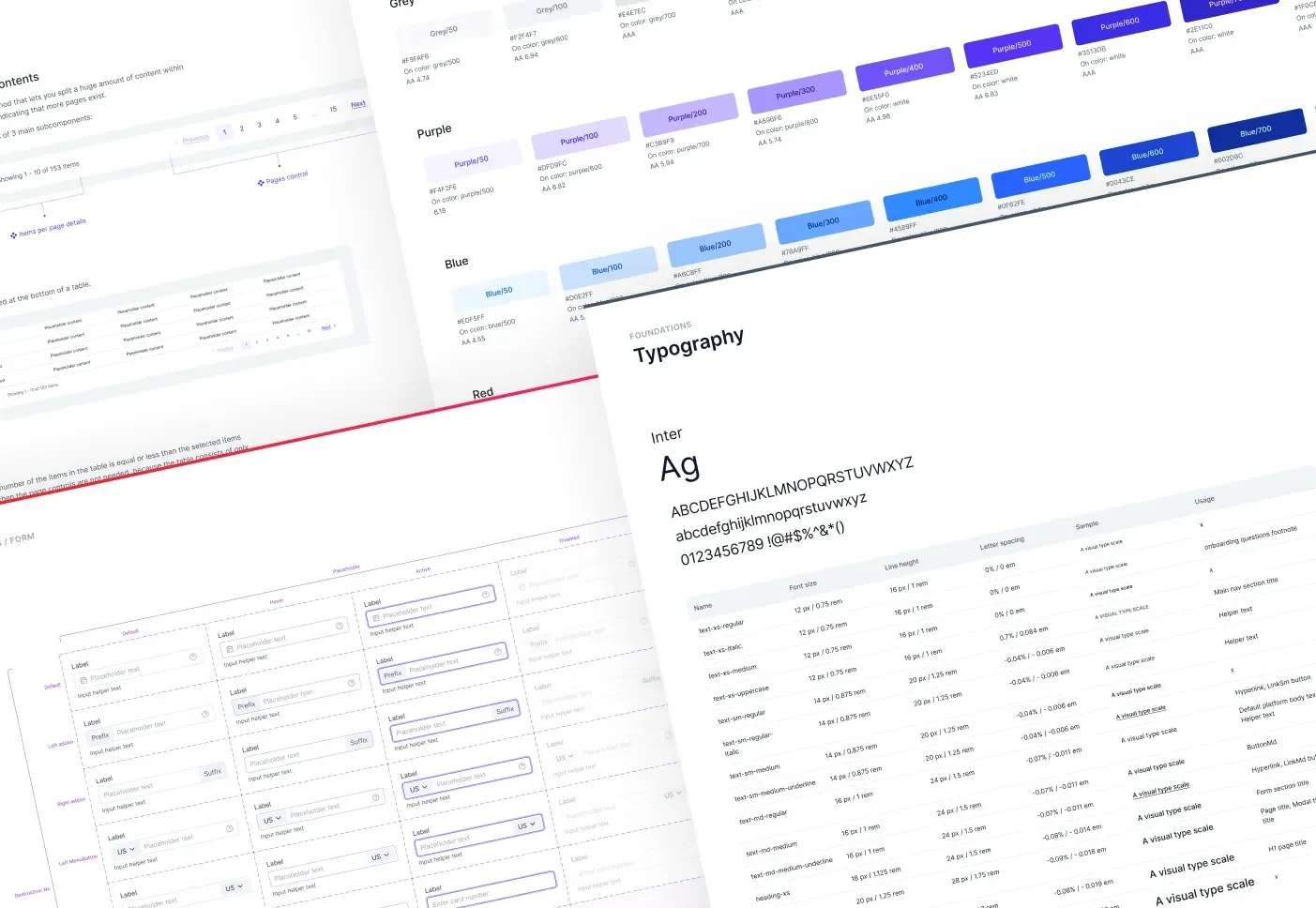
JW Player and JWX, 2023 - 2026
As Design Director, I led a team of 4 to 12 designers across three countries through an acquisition and a merger. A library of coded web components, WUI, already existed, so we built on it. We started the design system in Figma from scratch and overhauled the coded components: we connected all of them to the Figma variables, made them responsive, improved accessibility and added more specific layout components. We also redesigned how some components work to improve usability, and improved Atlas, our internal documentation.
I led the design-system initiative and its architecture, with Mihaela Vodeb as the lead designer and the whole team contributing. The components fully support dark mode across whole pages, although it hasn’t been rolled out to customers yet. Mihaela wrote about the work in two articles: accessibility and design variables ↗ and Figma variables ↗.
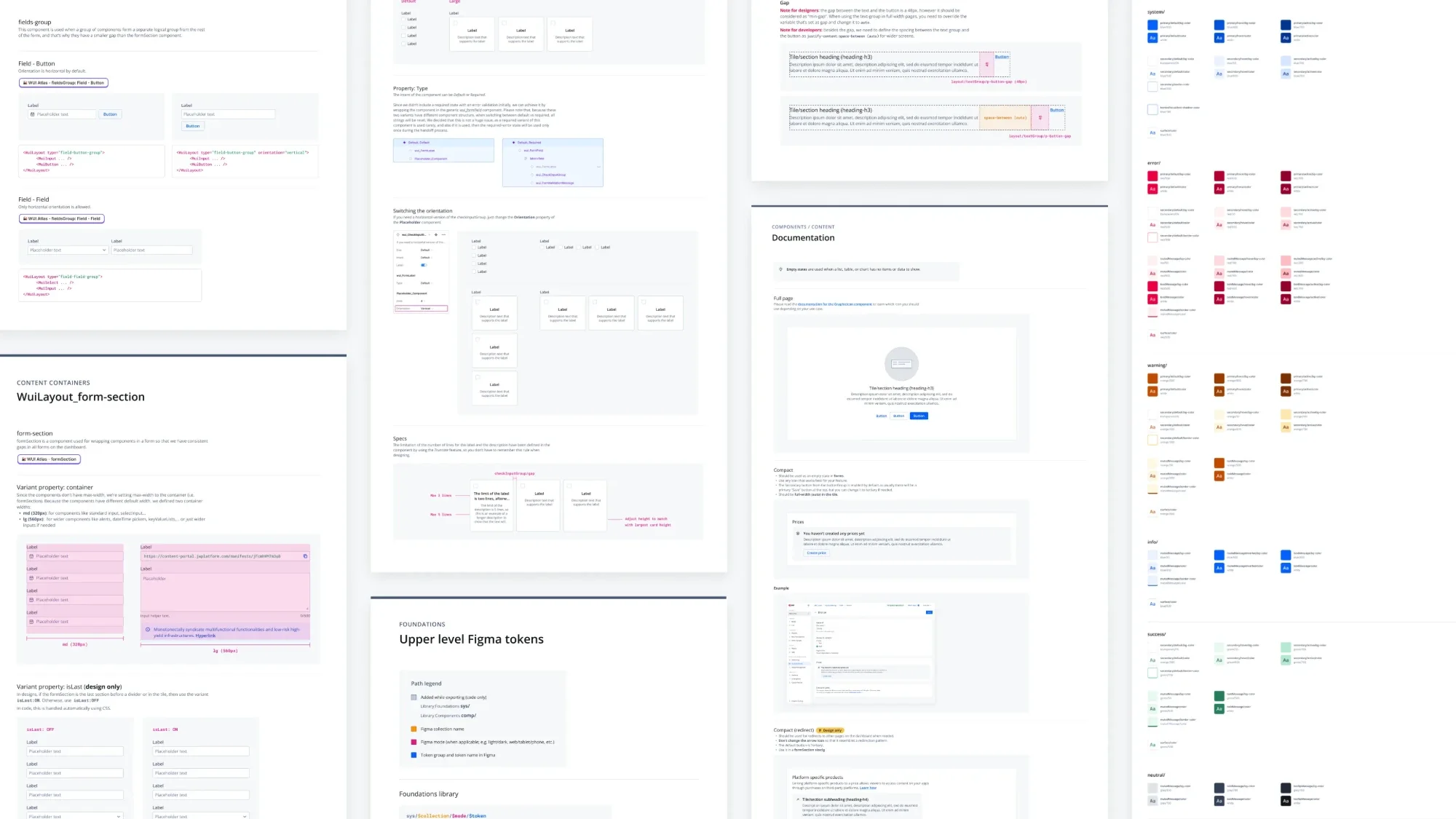
Any designer could add a component in a Figma branch and any engineer could open a pull request, as long as they followed the existing architecture and best practices and got approval from the Core team, who own the Figma file and the codebase. Teams were no longer blocked by the Core team, and the review still protected quality. A Visual QA step between code and QA review kept the design standard high with each release. To see how much the system was used, I analyzed the codebase to measure adoption. More recently, we adjusted the documentation for AI agents, which helps anyone build consistent prototypes directly in code.
All product teams adopted the system, along with teams building internal tools and side projects. It made design handoff and frontend implementation faster. The dashboard it was built for is described in my work on the JWX customer dashboard.
Looking back
I’m proudest of the design system we built at JWX. The layering of the tokens allowed some flexibility while providing consistency. We moved a lot of components from dashboard-specific into the design system. Layout components made it easier to build pages and forms. Clear hierarchy and consistent navigation components gave pages a better in-page information architecture. We added responsiveness to all components, which helped us quickly refactor some pages for smaller screens.
We set standards that every team could contribute to by following the existing architecture, and engineers had an easier job building screens with the components than without them.
Read in detail
- Redesigning a web application for the European railway network ↗
RailNetEurope at Netcetera - Design system stream: foundations ↗
InPlayer · Written by Mihaela Vodeb - Design system stream: design tokens (pt 2/3) ↗
InPlayer - Refactoring the design system for accessibility and design variables ↗
JW Player · Written by Mihaela Vodeb - Building design consistency: a deep dive into Figma variables ↗
JW Player · Written by Mihaela Vodeb